
EasyDoc features
Clinics, Doctors & Staff
Add doctors and services, give staff their own logins, and run more than one clinic on the Premium plan.
How it works in EasyDoc
Set EasyDoc up the way your practice is actually staffed.
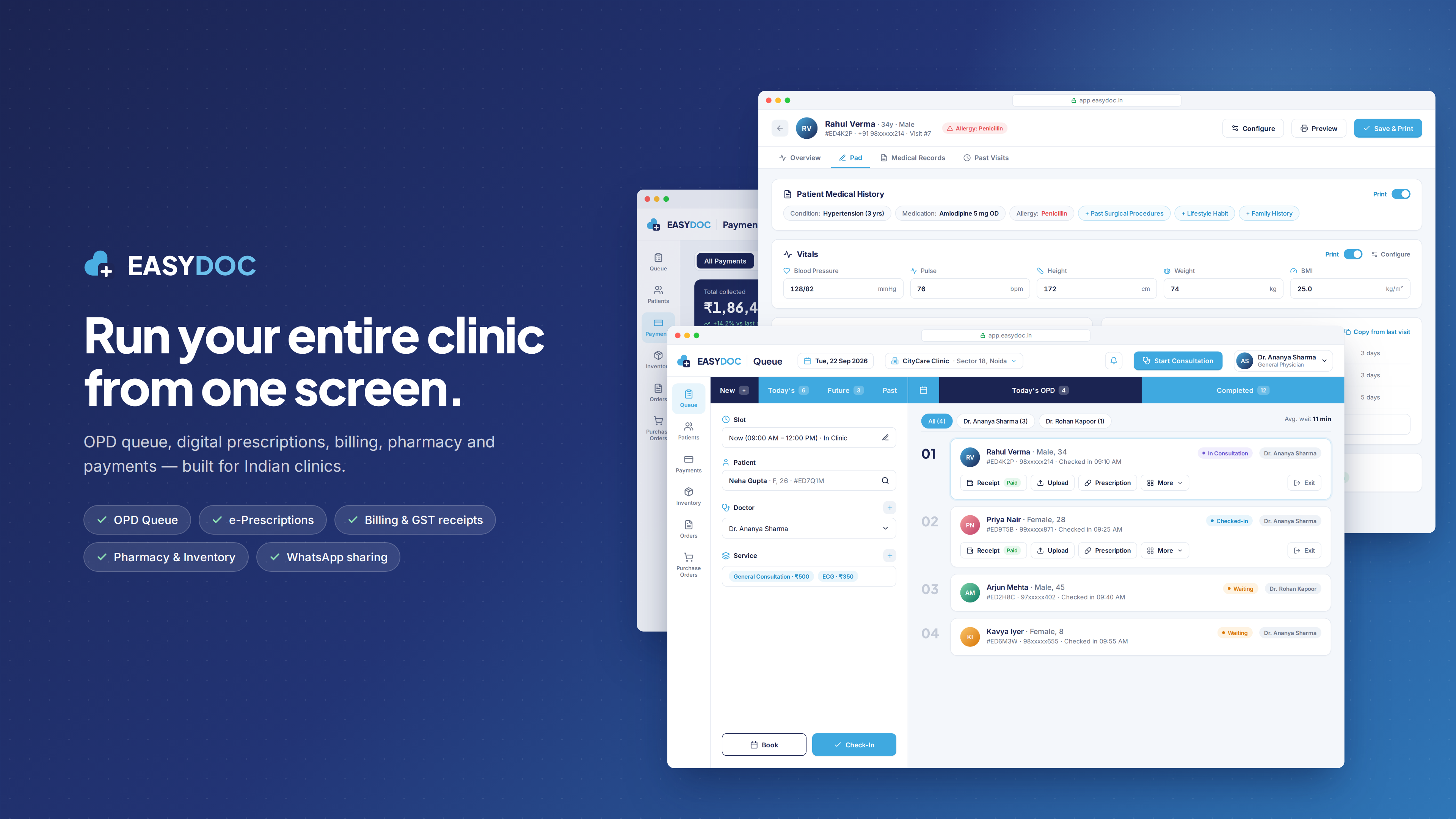
Doctors and services can be added straight from the booking form, and the clinic you are working in is shown at the top of the Queue screen.
Plans are sized by the number of doctors, staff, clinics and admin privileges: Starter covers 1 doctor, 1 staff member and 1 clinic; Premium covers 3 doctors, 5 staff, 5 clinics and 3 admin privileges.
What you can do
Add doctors
Add a doctor from the Doctor field of the booking form and assign them to visits.
Your service list
Add the services your clinic offers and select them on each appointment.
Staff accounts
Give front-desk staff their own access — 1 staff account on Starter, 5 on Premium.
Admin privileges
Assign admin privileges to the people who manage the practice — up to 3 on Premium.
More than one clinic
Premium supports up to 5 clinics under one subscription.